
Wifi is convenient, but it struggles through brick, concrete and long villa hallways, and every device on it shares the same airtime. A cabled network gives the home office, the TV and the wifi access points a fast, stable connection that does not drop when everyone is online at once.
We install data cabling in Auckland homes and offices: new data points, cabling for wifi access points and cameras, comms cabinets and patch panels. Because we are electricians, we can also add the power circuits a cabinet, wall TV or access point needs on the same job. Data cabling often goes in during a rewire, while the walls are open.
Pricing: a free quote and a fixed price agreed before we start. You get a written, itemised quote, and small jobs can be quoted from photos.
Plan the network around one central point
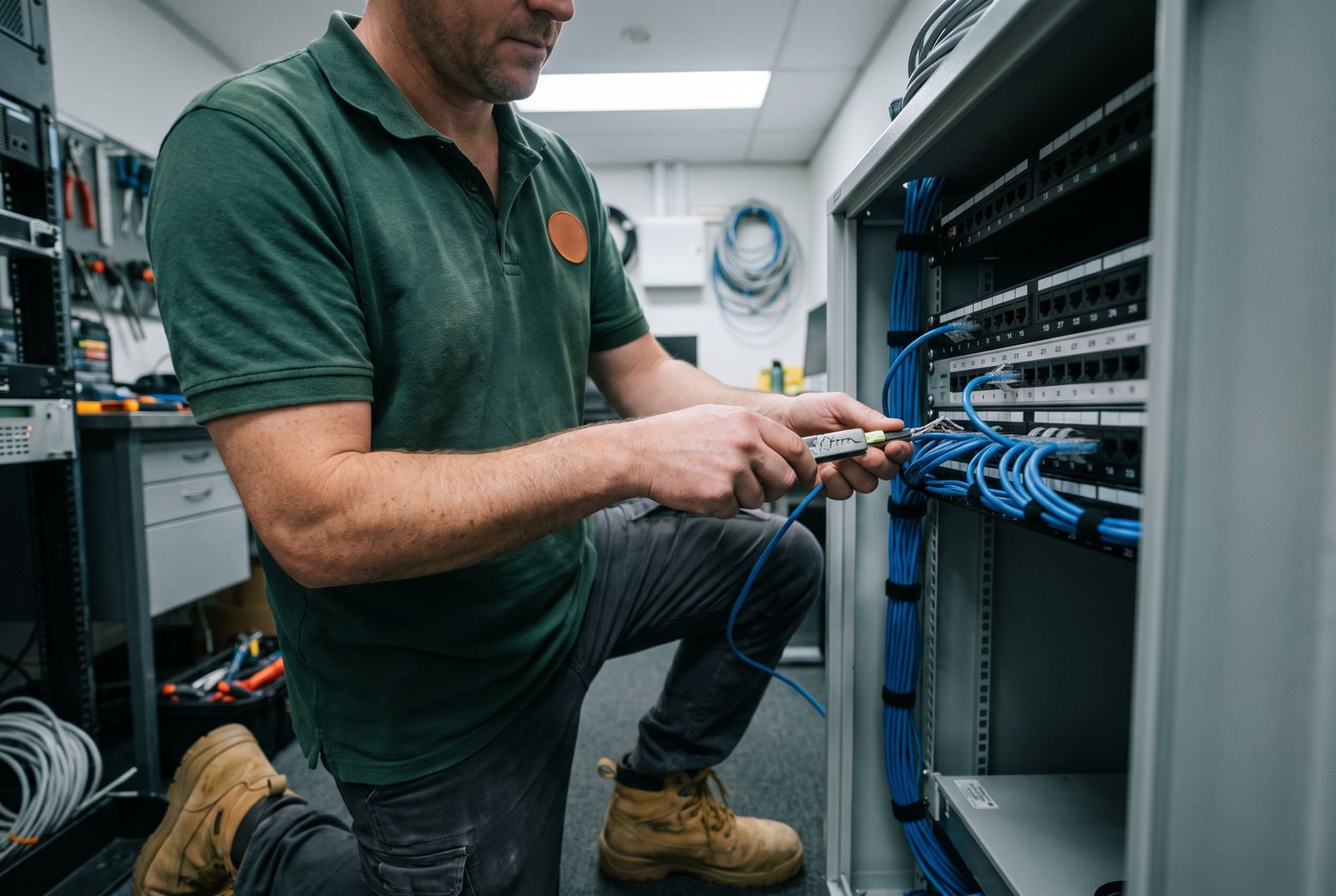
The usual approach is a star layout: every data point runs back on its own cable to a central location, usually a small cabinet or panel near where the fibre enters the house. The fibre ONT, router, network switch and patch panel live there, and any point in the house can be connected to any service by swapping a patch lead.
The New Zealand Telecommunications Forum publishes Premises Wiring Guidelines for voice and broadband cabling in homes and buildings. They are voluntary best practice, and they are cited by the AS/NZS 3000 wiring rules. The TCF also publishes a homeowner factsheet on wiring for a smart home, covering where to put the ONT, modem and wifi access points. We follow that guidance when we plan a home network.
- A central cabinet or panel near the fibre entry point
- One cable per data point, run back to the patch panel
- Labelled at both ends so faults are easy to trace
- Spare cables to likely future locations
Where to put data points
Think about where devices sit still: the TV and console, the home office desk, a gaming PC, the printer. Add cabling to the ceiling for wifi access points, so the signal comes from the middle of the house rather than a modem in a cupboard. In larger or multi-level homes, two or three wired access points usually beat a single powerful router.
Security cameras, doorbells and some access points can run on power over Ethernet, so one data cable carries both data and power. That saves a power point at every camera, but the switch in the cabinet needs to support it.
- Lounge: TV, streaming box and console
- Home office: desk and printer
- Ceiling points for wifi access points
- Outside: cameras and gate or garage controllers
How It Works
Cable choice and testing
For most homes and small offices, Cat6 cable is our default. It handles the speeds of current fibre plans and home networks with headroom to spare. Long runs, outdoor runs and runs near heavy electrical equipment may call for shielded or outdoor-rated cable, which we specify where needed.
Every cable is terminated on a jack at the wall and on the patch panel, then tested end to end for continuity and correct wiring. A cable that looks fine but has one swapped pair will run slowly or drop out, so testing is not optional. You get a labelled schedule showing which panel port goes to which room.
Power and data together
Data cable is extra-low voltage, but the things around it are not. A comms cabinet needs a power point for the router and switch, a wall-mounted TV needs power behind it, and some access points need a socket nearby. That is fixed wiring work, which WorkSafe says must be done by a licensed electrician and comes with a Certificate of Compliance.
Doing both on one job means one set of holes, one cable route and one visit. We keep data cables apart from power cables along their route to avoid interference. For extra outlets, see our power point installation page.
Existing homes, new builds and offices
In an existing home we run cables through ceiling and underfloor spaces and drop them inside walls, which usually means a small access hole rather than opening a wall. Concrete slabs, internal brick and some apartment walls limit the routes, so we confirm those at the quote. New builds and renovations are easiest: cables go in at pre-wire stage before the linings close, at little extra cost per point.
For offices, we cable desks, meeting rooms and wifi access points back to a rack, and can tie the work into a wider fit-out handled by our commercial electrician team.
Why Choose Cheeky's Electrical for Data Cabling
Data and power in one visit
We cable the network and wire the power points it needs, with a CoC for the electrical work.
Tested end to end
Every cable is tested after termination, so you do not find a faulty run months later.
Labelled and documented
Panel ports and wall jacks are labelled, and you get a schedule of what goes where.
Fixed price per job
Send a floor plan with the points you want and we quote a fixed price before we start.
Data Cabling FAQs
Is wired better than wifi?
For devices that stay in one place, such as TVs, desks and consoles, a cable gives a more stable, faster connection. Wired access points also improve wifi across the house.
What cable do you use?
Cat6 is our default for homes and small offices. We use shielded or outdoor-rated cable where the route calls for it.
Can you cable an existing house without opening the walls?
Usually, yes. We run through the ceiling or underfloor and drop inside the wall, needing only a small access hole. Concrete and brick walls can limit options.
Do I need an electrician for data cabling?
The data cable itself is extra-low voltage. Any new power points for a cabinet, TV or access point are fixed wiring work that needs a licensed electrician and a Certificate of Compliance.
Where should the network cabinet go?
Usually close to where the fibre enters the house, somewhere ventilated and accessible, such as a hall cupboard or garage wall.
Can cameras run off the data cable?
Many can, using power over Ethernet. The network switch must support it.
Data Cabling Near You
Find your region or suburb for local data cabling information:
Related Electrical Services
See the electrician prices guide or every service we offer.